
Getting started with reservie and Zoom
This section provides an overview of Zoom and how to get started with integrating reservie with Zoom.
Introduction
This section provides an overview of Zoom and how and to get started with integrating reservie with Zoom
** What is Zoom**
Zoom is an easy, reliable cloud platform for video, voice, content sharing, and chat runs across mobile devices, desktops, telephones, and room systems.
How is Zoom integrated with reservie
Zoom is integrated with reservie to enable meeting creation to be automated. This is compatible with manual events and automated weekly and monthly events.
Installing / Integrating reservie with Zoom
Before you can commence the integration of Zoom you must first have a Zoom account. If you do not have a Zoom account, you can create one via Zoom’s website: https://zoom.us.
Once you have a Zoom account, integration is quick and simple and completed in a few steps:
Step 1: Log in to your reservie account
To get started, log in to your reservie account via https://go.reservie.net
Step 2: Navigate to the integrations section
Using the left-hand menu, click the ‘integrations’ menu item.
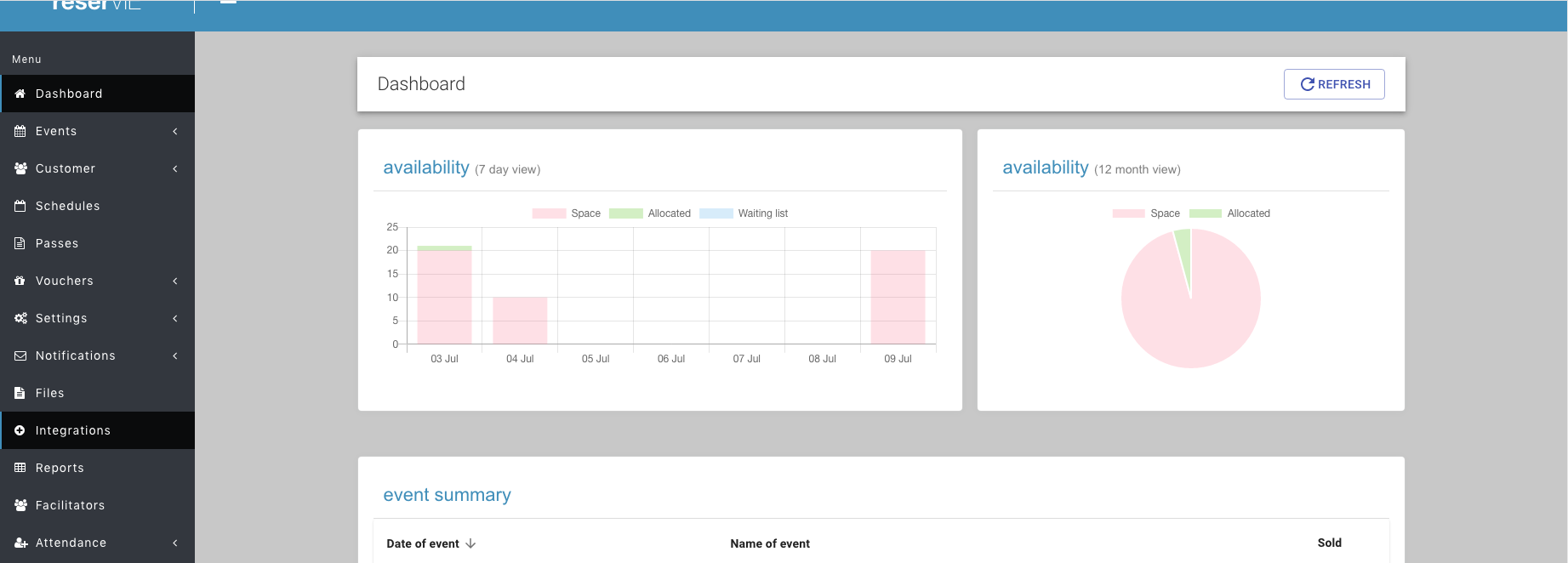
Step 3: Click the ‘ACTIVATE’ button
Upon navigating to the ‘integrations’ section you will see the management panel for Zoom. To initiate the integration, click the ‘activate’ button.
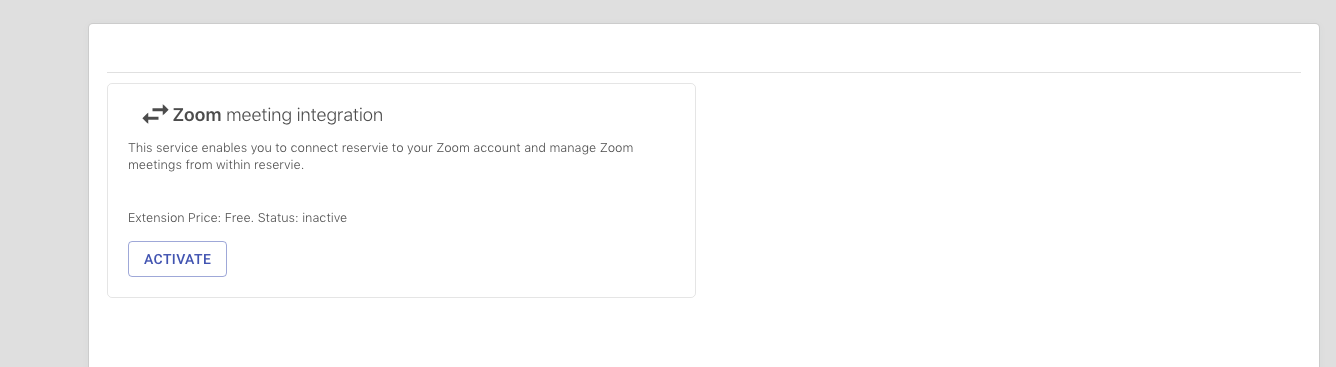
Step 4: Click ‘add new Zoom account’ an authenticate yourself
Upon clicking the ‘activate’ the Zoom account manager will be displayed.
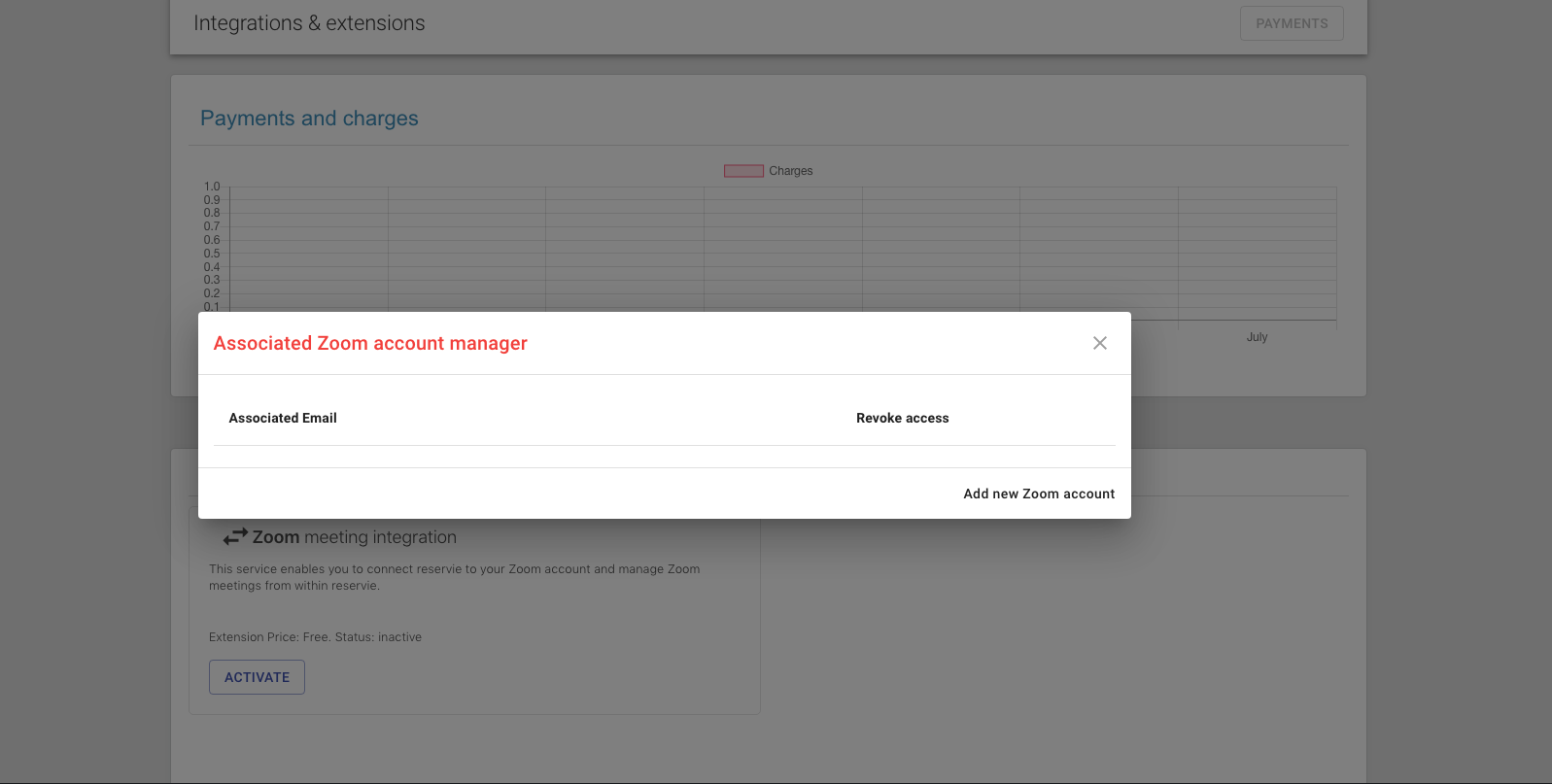
To proceed with the authorisation, click the ‘Add new Zoom account’ button and you will be forwarded to Zoom. You will then be asked to authenticate yourself and to authorise reservie’s access of your Zoom account.
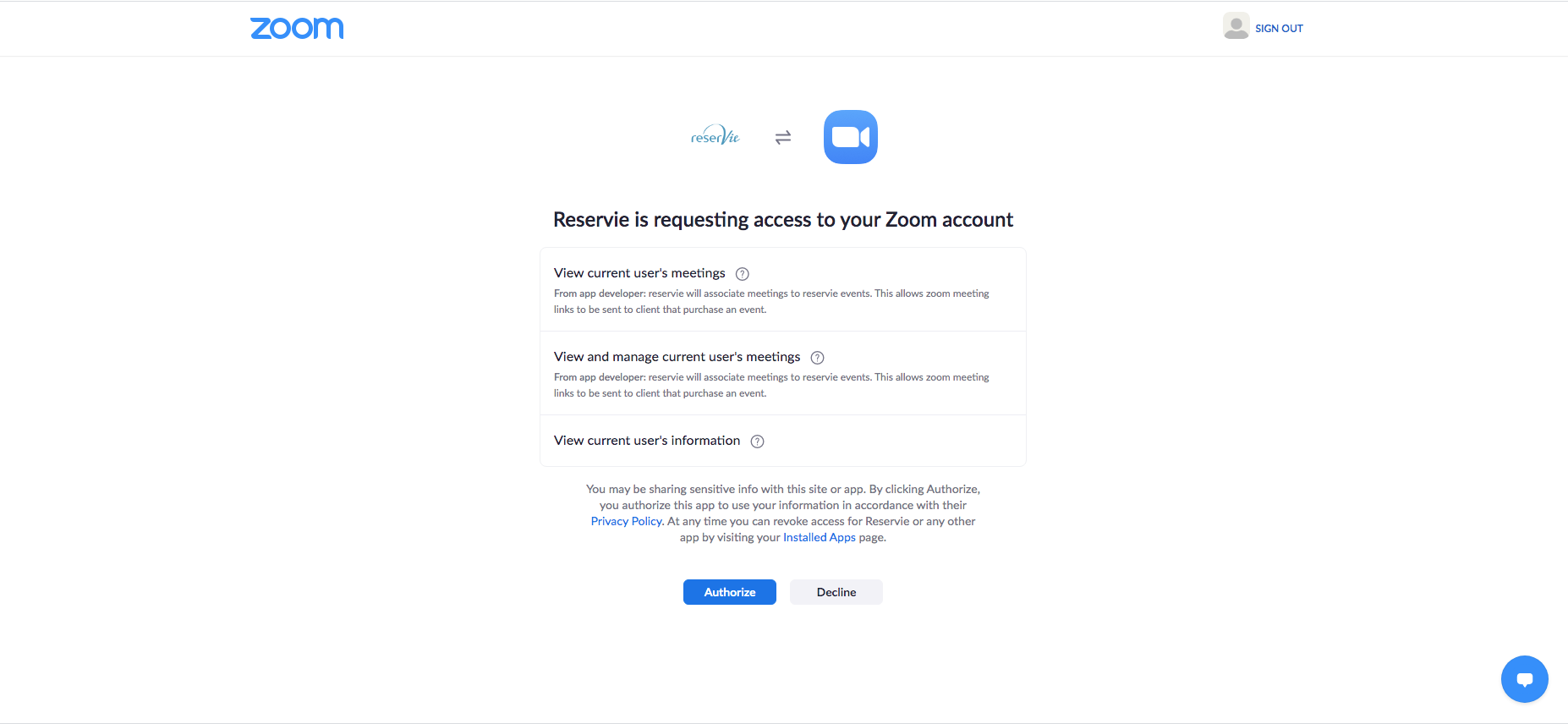
Step 5: Confirm activation
Upon completion of step 4, Zoom will return you to reservie. Where you will note that the account is displayed as active. Reservie can now be used to automatically generate Zoom meetings for events.