Refunds
Updated Jan 15, 2024 1 min read
Reservie offers a refund facility. To initiate a refund a place needs to be cancelled, which can be done in the Customer Manager or in the respective class register.
Do you have a facility for refunds?
Yes, we do. To initiate a refund a place needs to be cancelled. Cancellation can either be done in the Customer Manager ( **Customers -> Manager -> Manage **) or in the respective class register ( Events -> Course View -> Manage ).
Please follow the steps to process a refund in the Customer Manager:
- Log in to https://my.reservie.net
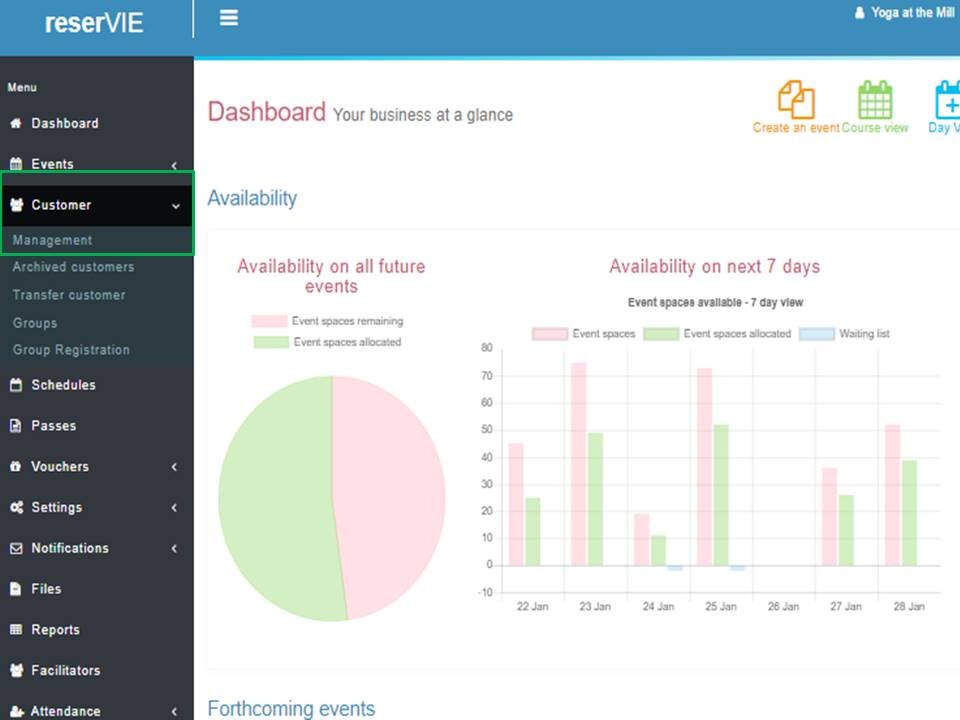
- Click** Customer -> Management**.
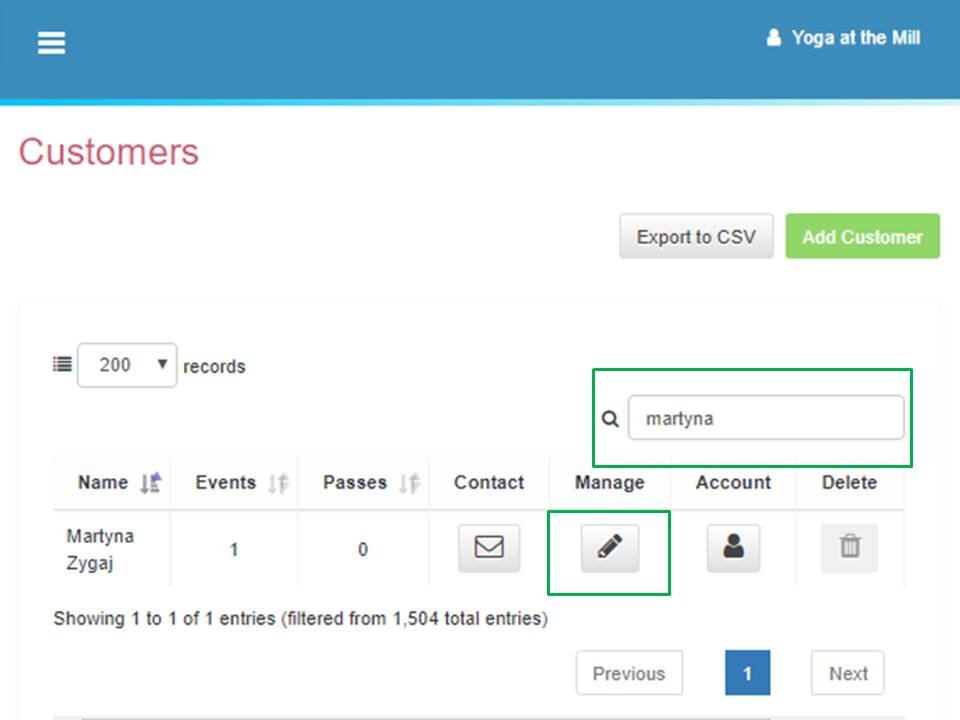
- Type in client’s name in the search box. Then click on an icon to manage the account.
Scroll down to Events.
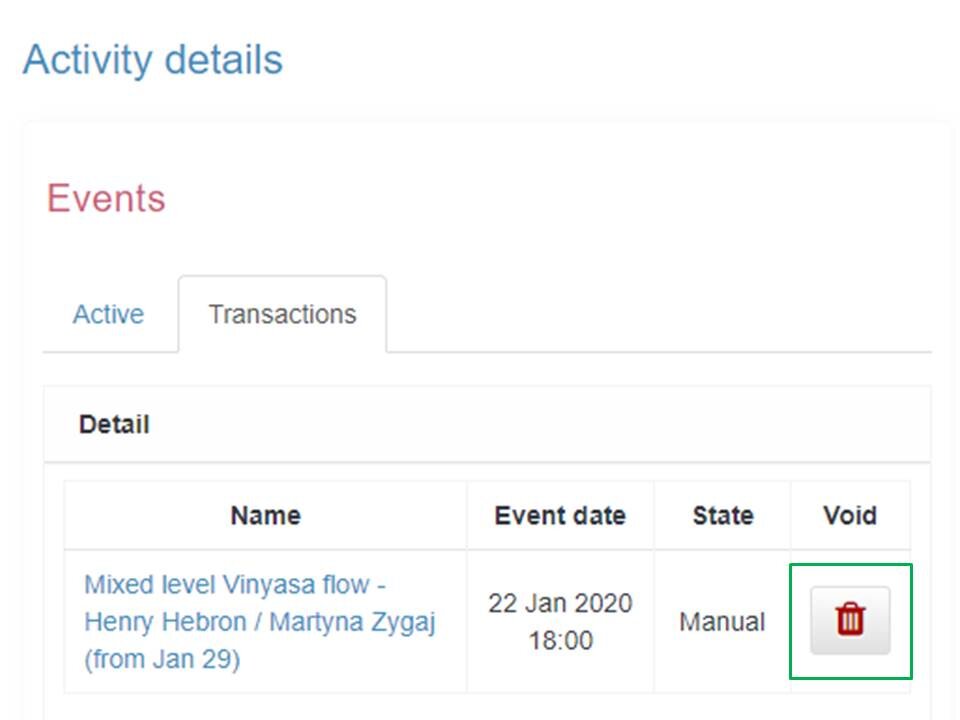
Click Transactions.
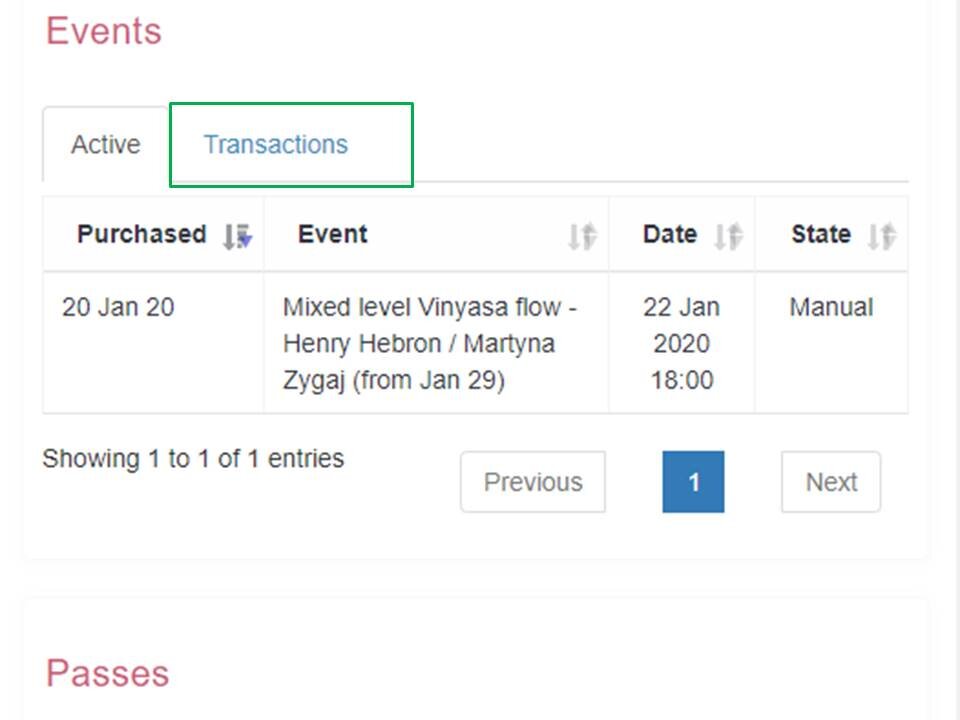
- Click on an icon to void the customer.
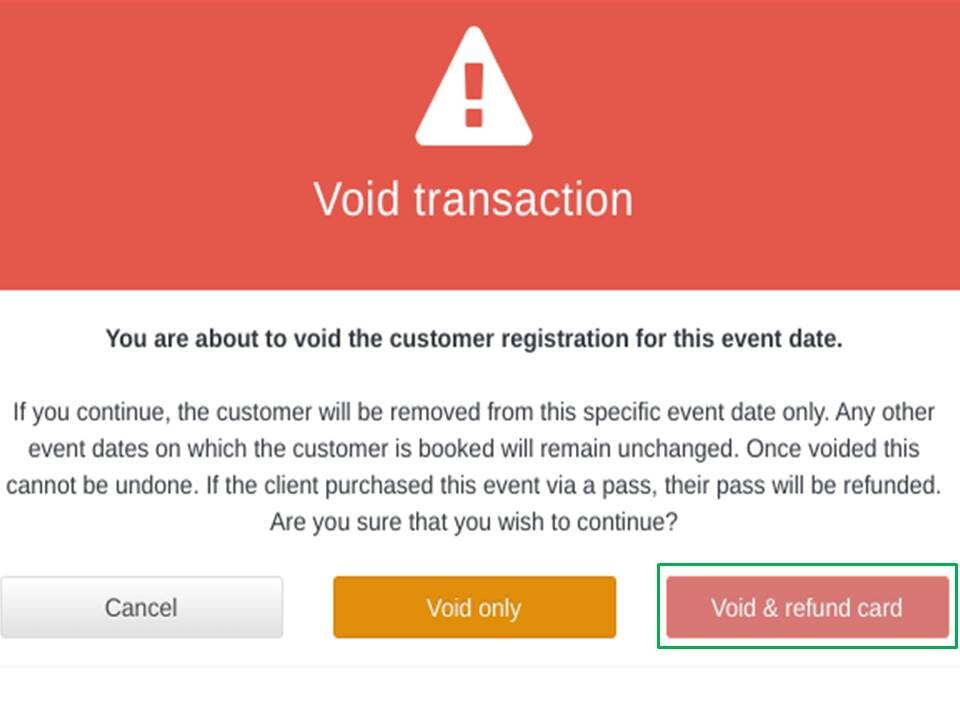
- Select Void & refund card to proceed with the refund or click **Void only **if no refund needed.