
Linking reservie with your Facebook page
Updated Jan 15, 2024 1 min read
Learn how to add reservie booking links to your Facebook page using Facebook events or by embedding a timetable in a pinned post.
I don’t have a website and I only use Facebook as my point of contact with the clients. I teach multiple classes in multiple venues and I am looking to display the links as tidily as possible. How can I do it?
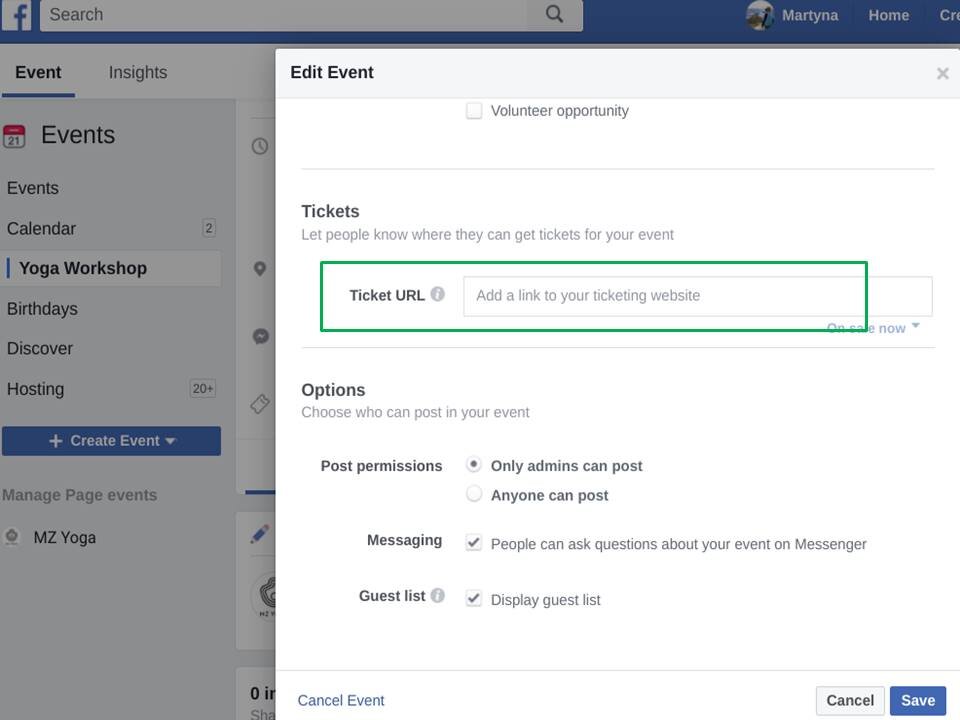
The cleanest way to add events to Facebook is via their ‘events’ mechanism. You can add events and then provide a ‘ticket’ link - this should be the link to reservie checkout page.
Alternative approaches is to create a timetable and embed this in a post. Unfortunately, Facebook does not reveal the contents of the page - rather simply links to it. However, you can create a rolling post which you update periodically and (importantly) pin to the top of your feed. The great thing regarding a schedule is that all events can be listed.