
Updating your profile details on reservie
Updated Jan 15, 2024 1 min read
Learn how to update your email address and profile details in reservie so that notifications are sent to the correct address.
Can I change the original settings so my notifications come to my new email address?
You can update your email address from the main Menu:
Log in to https://my.reservie.net
Click Settings -> Company
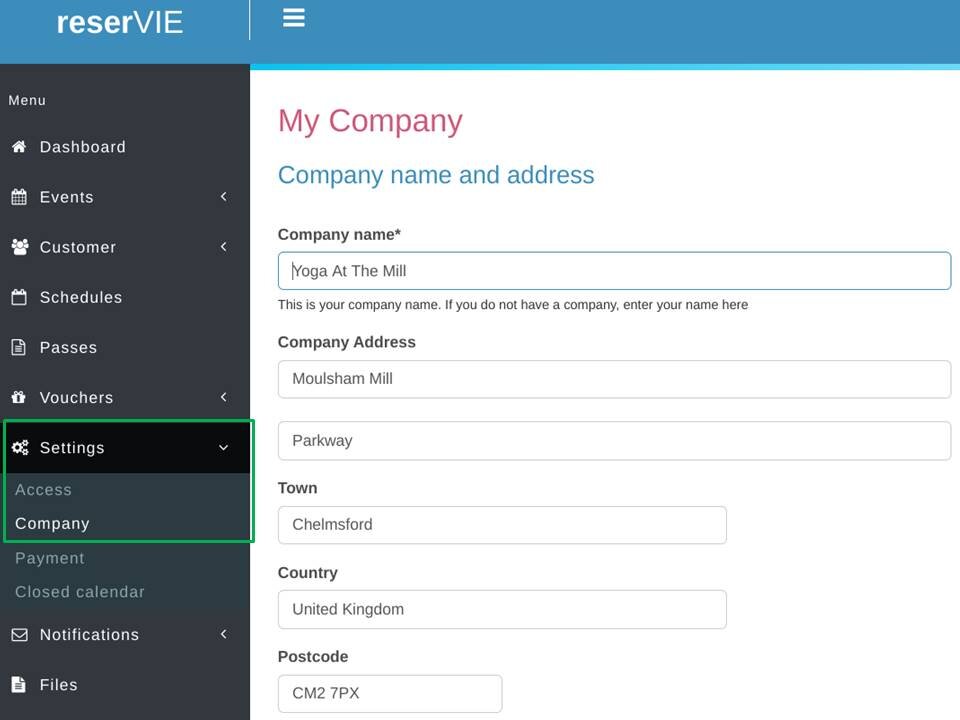
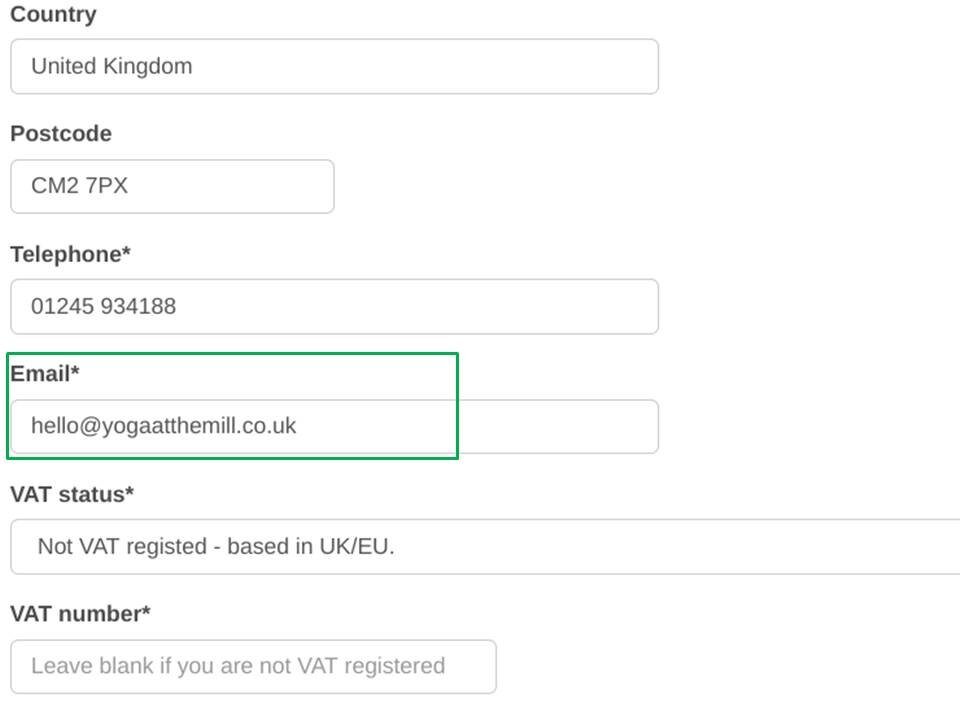
Scroll down to the Email* section
Update the email address in the *Email **section
- Click green Continue >> button at the bottom of the page
Please note this email change only relates to emails sent on your behalf and will not affect your login details.