
Account Access
Updated Feb 13, 2026 1 min read
Manage your login credentials including your username and password.
Overview
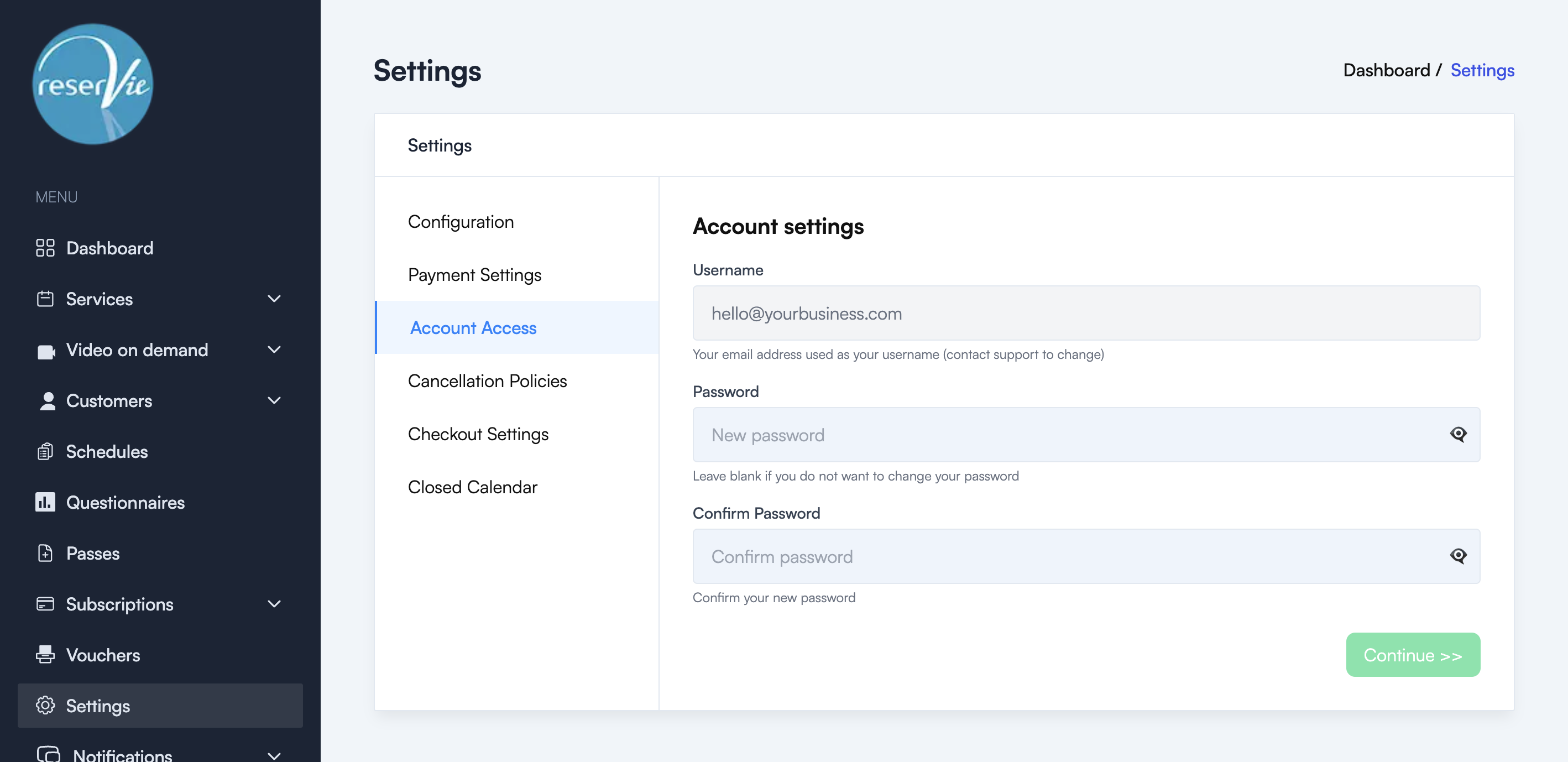
The Account Access tab allows you to view your account username and change your password.
To access it, navigate to Settings from the sidebar menu, then click the Account Access tab.
Username
Your username is the email address you registered with. This field is read-only and cannot be changed directly. If you need to update your username, please contact support.
Changing your password
To change your password:
- Enter your new password in the Password field
- Re-enter the same password in the Confirm Password field
- Click Continue
You can use the eye icon next to each password field to toggle visibility and check what you have typed.
Tip: If you do not want to change your password, leave both fields blank.
Password requirements
We recommend choosing a strong password that:
- Is at least 8 characters long
- Contains a mix of upper and lower case letters
- Includes numbers and special characters
- Is not reused from another service