
Overview
The Payment Settings tab allows you to select the currency used for all transactions processed through your Reservie account.
To access it, navigate to Settings from the sidebar menu, then click the Payment Settings tab.
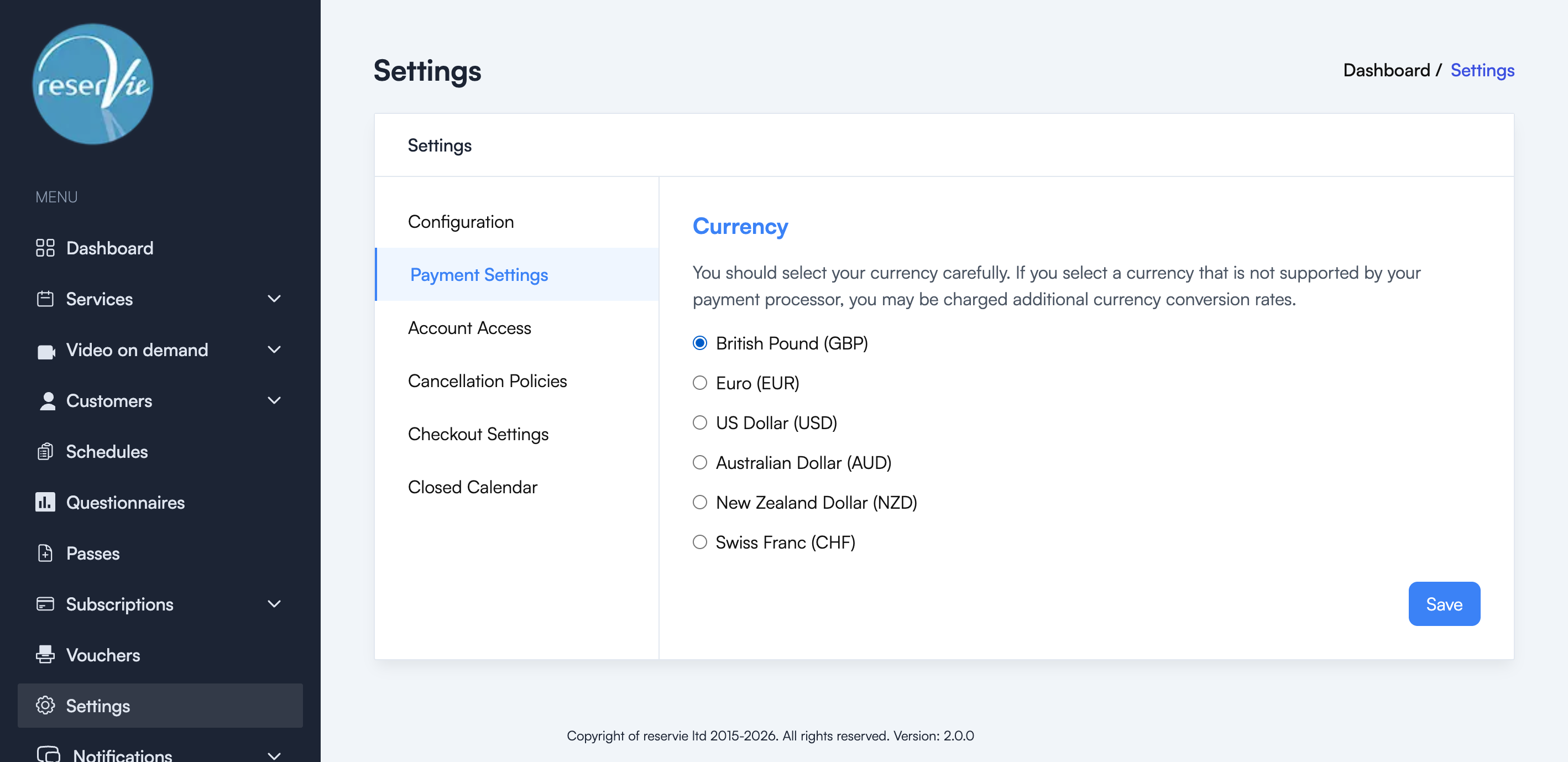
Selecting your currency
Reservie supports the following currencies:
- British Pound (GBP)
- Euro (EUR)
- US Dollar (USD)
- Australian Dollar (AUD)
- New Zealand Dollar (NZD)
- Swiss Franc (CHF)
Select the currency that matches your payment processor (e.g. Stripe). Click Save to confirm your selection.
Important: Choose your currency carefully. If you select a currency that is not supported by your payment processor, you may be charged additional currency conversion fees.
When to change your currency
You should set your currency when you first configure your account. Changing the currency after you have started accepting payments is not recommended, as it may cause inconsistencies in your reporting and transaction history.
If you need to change your currency after setup, we recommend contacting Reservie support first.