
Checkout Settings
Updated Feb 13, 2026 1 min read
Control how close to an event start time your customers can complete a booking.
Overview
The Checkout Settings tab lets you configure the booking window for your events and classes. This controls how far in advance (or after) an event start time customers are able to complete their checkout.
To access it, navigate to Settings from the sidebar menu, then click the Checkout Settings tab.
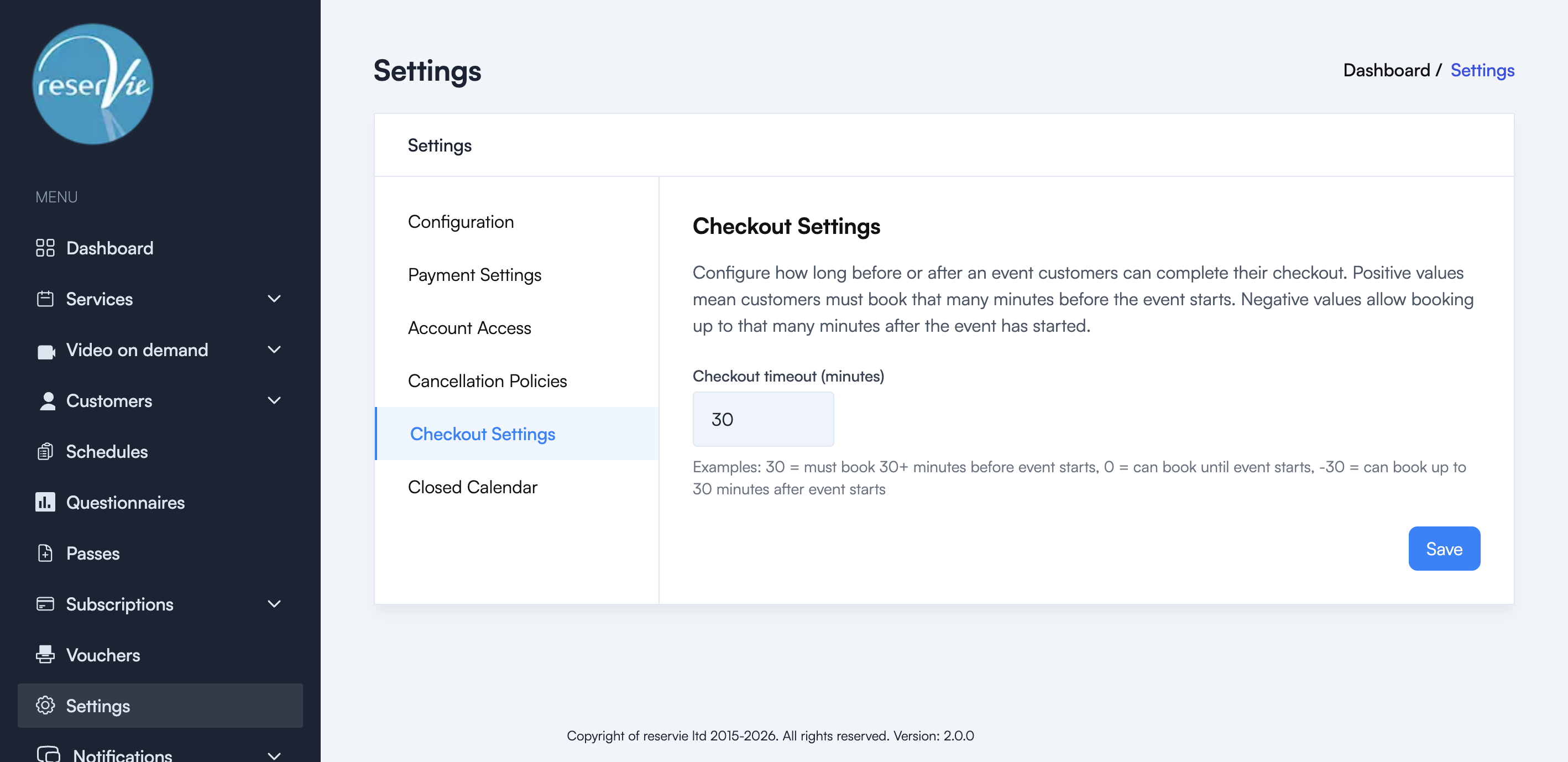
Checkout timeout
The Checkout timeout (minutes) field accepts a positive, zero or negative value:
| Value | Meaning |
|---|---|
| 30 | Customers must book at least 30 minutes before the event starts |
| 0 | Customers can book right up until the event starts |
| -30 | Customers can book up to 30 minutes after the event has started |
Common scenarios
- Yoga studio with drop-ins: Set to
-15to allow late arrivals to book up to 15 minutes after class begins - Workshop with preparation needed: Set to
60to close bookings 1 hour before the event - Flexible classes: Set to
0so bookings close exactly when the class starts
Saving changes
After setting your preferred timeout, click Save. The change applies immediately to all future checkout attempts.