
Overview
Questionnaires allow you to define forms that customers must complete during the checkout process. This is useful for collecting health information, emergency contacts, consent agreements, or any other data you need before a customer attends an event.
Once a customer completes a questionnaire, their answers are stored for a configurable retention period and are accessible from their customer record.
Questionnaires are managed from the Questionnaires page in the sidebar menu.
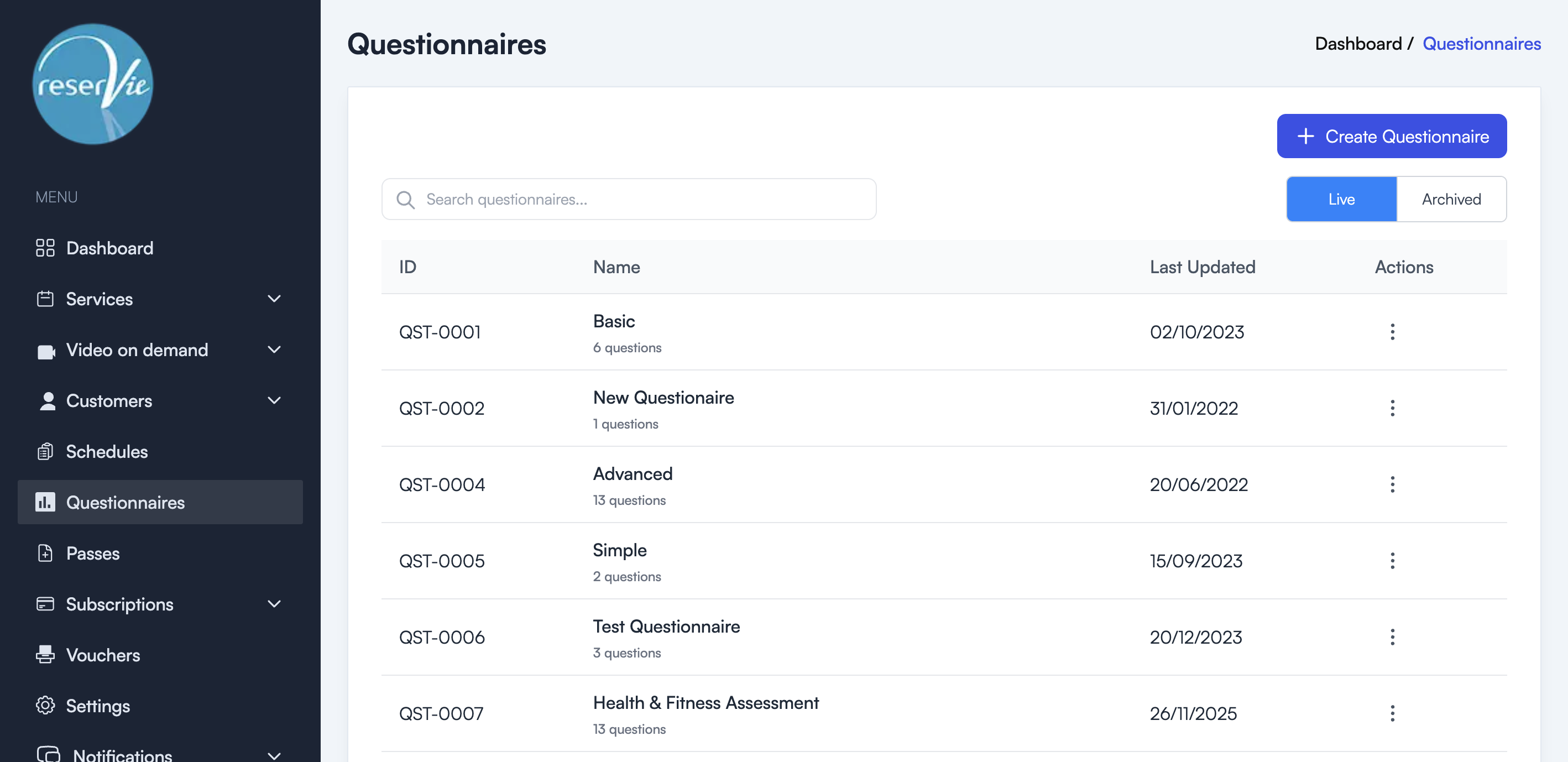
How questionnaires work
- You create a questionnaire — Define the questions, answer types, and retention period.
- You attach it to a schedule — Link the questionnaire to one or more schedules.
- Customers complete it at checkout — During the booking flow, customers are presented with the questionnaire before payment.
- Answers are stored — Responses are saved to the customer’s account for the configured retention period.
Key concepts
| Concept | Description |
|---|---|
| Questions | The individual items a customer must answer. Multiple question types are available. |
| Answer retention | How long answers are kept (configured in months or years). |
| Schedule attachment | A questionnaire must be linked to a schedule to be presented to customers. |
| Required fields | Individual questions can be marked as required or optional. |
When to use questionnaires
- Health assessments — Collect medical history and fitness information before physical activity classes.
- Emergency contacts — Gather emergency contact details from participants.
- Consent forms — Require customers to read and accept terms or waivers before booking.
- Dietary requirements — Collect food preferences or allergies for events that include catering.
Next steps
- See Creating a Questionnaire for step-by-step instructions.
- See Customer Experience for how questionnaires appear to customers.
- See Viewing Responses for accessing customer answers.